3 ways of automating your marketing workflows (part one)
In the previous post, I talked through the background of marketing and workflow automation along with some examples of processes that you can automate.
Historically speaking, many automation tasks have fallen under the responsibility of the Data and Product/Engineering teams. Makes sense, of course. They have access to the tools, not to mention the skills to set up and maintain complex workflows.
These teams have increasingly challenging workloads, however. Their resources are normally focused on bigger projects, not small/short-term marketing tasks – meaning Digital Marketers often need to handle their own technical functions.
Data teams also recognise the need for reducing their ad-hoc requests, meaning self-service data is one of the most talked about topics at the moment – even if the subject can be a little controversial.
Let’s go through some ways technically-minded Marketers can set up workflow automations.
1. Using no-code workflow automation platforms
Many digital marketers will have worked with no-code automation platforms, such as Zapier – the market leader in this segment.
In case you’re not familiar with it, Zapier allows you to automate multi-step processes (each step is called a task and the whole process is called a Zap) using pre-built integrations with more than 5,000 tools – covering major operators like Salesforce, Google & Facebook.
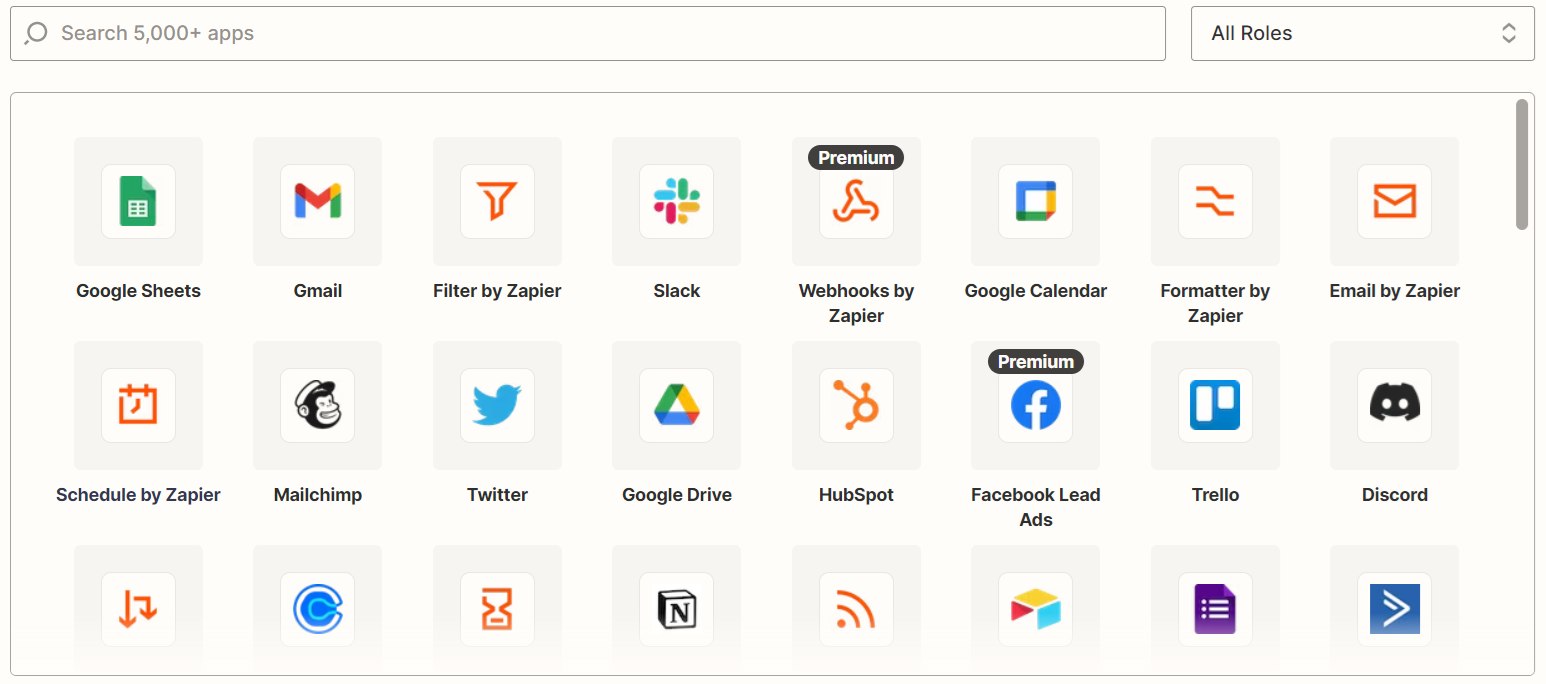
Zapier’s main advantage is its ease-of-use: any digital marketer with platform knowledge can create a relatively complicated automation in a few minutes. Zapier does all the heavy lifting – the structure of the API calls, formatting the data, authentication etc.
When you need extra connectivity not covered in the standard integrations, one of the most useful features are webhooks. This allows you to create a simple API endpoint which allows you to receive data and trigger a workflow, or send data out at later steps.
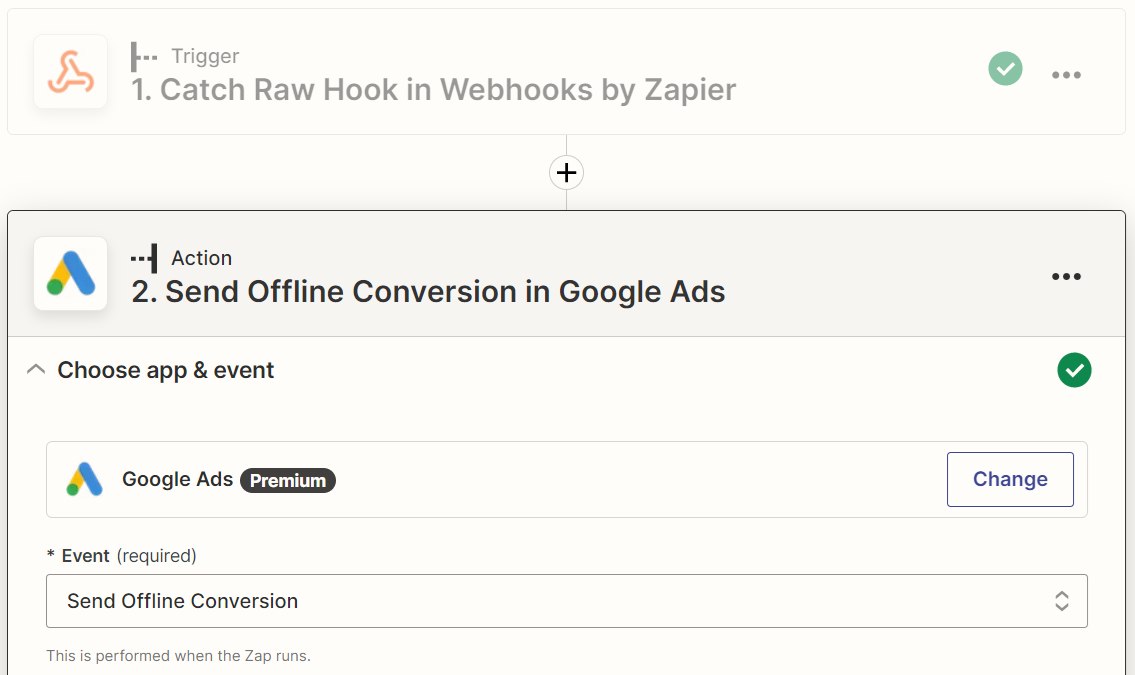
Zapier’s offer has improved a lot over the last years. Previous bugbears included the lack of version control (meaning you had to pause workflows to make edits to them) and task copying. Thankfully however, both these features have been rolled out in the last year or so.
Still, some drawbacks remain!
Zapier’s ease-of-use doesn’t always translate to speed-of-use. Setting up lengthly multi-step workflows is often time consuming, and linking data between the steps can be a little frustrating, as you rely on Zapier’s UI to handle variables*.
*Handy tip with the webhook app! Click on the webhook in the UI and find the step ID in the URL (the 2nd numeric value). You can then create variables by appending the key name to that step ID and paste them directly in subsequent steps. Example: {{12345678_email}}
Webhooks only give standard success/fail status code responses, which is problematic if you rely on more detailed reporting in external scripts or tools.
Zapier does include a custom coding app, where you can write Javascript and Python. However, the editor is sandboxed, meaning you can’t access any external libraries.
Pricing is also an issue, as Zapier charges you on the number of tasks, or workflow steps that you consume. This means that high volume multi-step processes can get rather expensive.
Pros
- Easy to use with many pre-defined integrations
- Most functionality doesn’t require coding skills
Cons
- Expensive to automate high volume processes
- Lack of flexibility may frustrate technically-minded marketers
Alternative: n8n
I first encountered n8n several years ago, coincidentally when searching for an alternative to Zapier.
At that time, n8n offered an exclusively self-hosted option – meaning you needed to install and host it on your own server. This requires some technical expertise, not to mention the infrastructure, but when up and running you can essentially automate your workflows for free (without considering the cost of the server, of course).
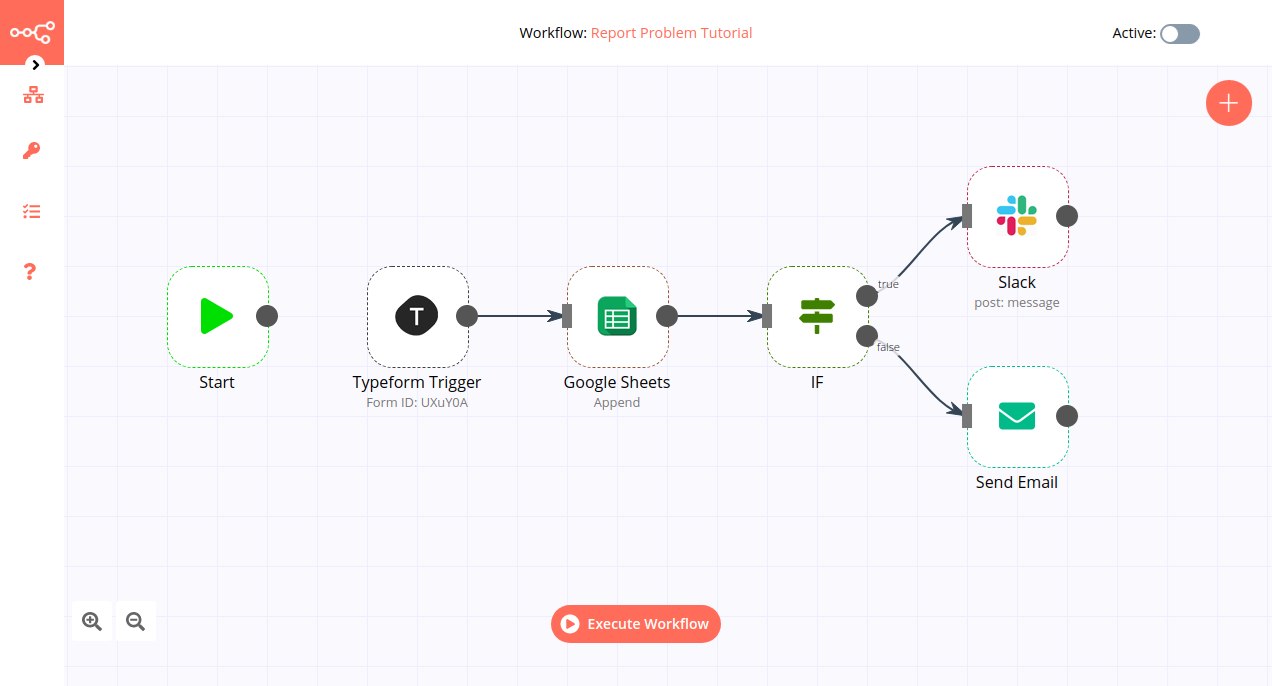
n8n has developed significantly since those days and can now be accessed in a cloud mode (similar to Zapier), or as a desktop application for testing. The single user self-hosted option is still available for free, with prices starting from 20€ per month for the cloud version.
Whilst it doesn’t have as many pre-defined integrations as Zapier and the UI is perhaps not as user-friendly, n8n is the better choice for more experienced technical marketers. Aside from the self-hosted/cost issue, n8n has several benefits:
- You can easily import and export workflows with JSON files (allowing you to make backups)
- Many integrations, especially webhooks, are more flexible and offer more customisation options
That’s it for part one! Please check out part two for more ways to automate your marketing workflows.